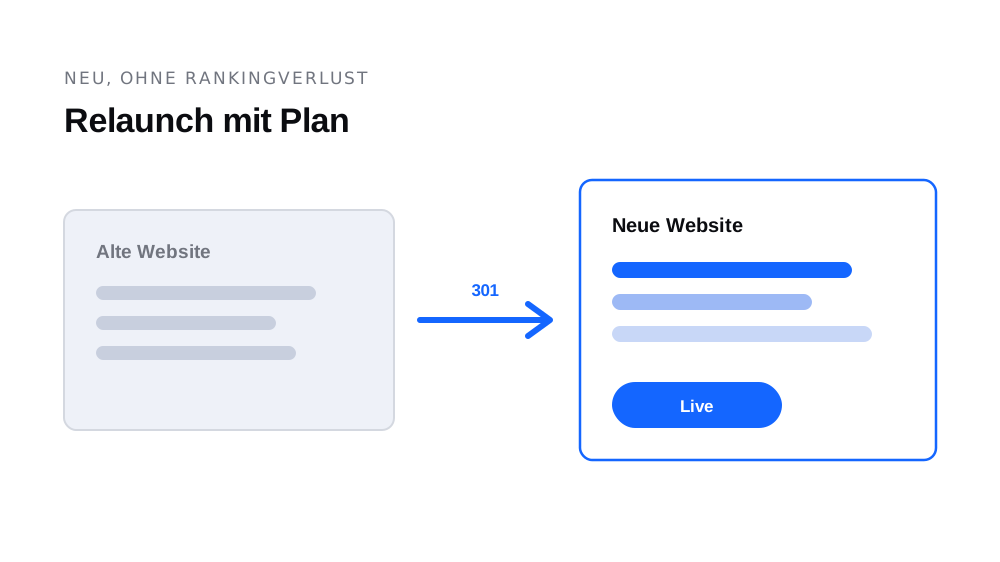
Sooner or later every website faces the question: patch it or rebuild it? A relaunch at the wrong time burns money, a postponed one costs customers, and a badly executed one costs years of Google rankings. Here is the sober decision guide, including the technique that protects your rankings.
The clear signs a relaunch is due
- Unusable on mobile: on a phone you have to zoom and pan sideways. More than half your visitors are mobile, and Google primarily rates the mobile version.
- You are embarrassed by the link: if you would rather hand out your Instagram page than your website, the answer has already been given.
- Changes are an ordeal: new opening hours require a phone call, a week of waiting and an invoice, so they stop happening.
- The technology has stalled: the CMS no longer receives updates, the site loads noticeably slowly, the SSL certificate is missing.
- The site no longer matches the business: you have moved on, the website still tells the story from eight years ago.
If two or more apply, the relaunch is worth it. If only one applies, check the small solution first: fresh copy, current photos and a decluttered menu cost a fraction and often work surprisingly well.
The part almost everyone underestimates: the rankings
Your old website has a history with Google: indexed pages, links, rankings for search terms that bring you customers today. That capital is lost in a relaunch if nobody thinks about it. Three rules protect it:
- 301 redirects for every old address: every URL of the old website must permanently redirect to its matching new page, not wholesale to the home page. That is how accumulated authority carries over.
- Keep strong content: pages that bring visitors via Google today are carried over and improved, not deleted without replacement. What ranks well has earned its place on the new site.
- Set titles and descriptions deliberately: page titles are a direct ranking factor. They belong in the relaunch scope, not in the "later" pile.
A temporary wobble in the first two to four weeks after launch is normal while Google reads the new structure. Lasting drops are almost always caused by missing redirects.
The process in five steps
- 1. Inventory: which pages exist, which bring visitors, which content stays? One hour with your Google data saves weeks later.
- 2. Structure first: fix the page structure and core messages before designing. Design follows content, not the other way round.
- 3. Build and fill: build the new website with real content; never sign off on placeholders.
- 4. Redirects and technology: set up the 301 list, test the mobile view and load time, check titles and descriptions.
- 5. Launch and follow-up: watch your search data for two to four weeks after launch and fix broken links immediately.
Conclusion
A relaunch is not a design project; it is a business decision with a protective technical layer. Assess the signs honestly, plan content before colours, and take the redirects seriously, and you get a website that looks better and gets found better. By the way: at getyoursite the migration of your old website is free, including the 301 redirects, on the subscription as well as the purchase.